Prism.py for Konversation
There is a great weechat script called prism.py. It assigns random colors to each letter in your message and sends it to the chat, making it look like a rainbow. I wanted something similar for Konversation, wchih I'm using on my personal laptop, so when I finally opened the documentation and saw that it supports scripting, I had no more excuses.
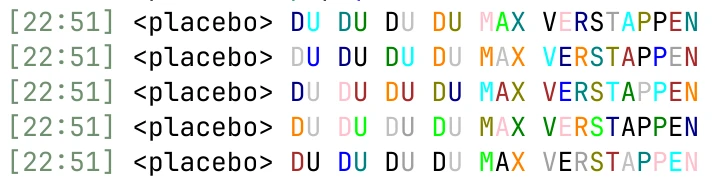
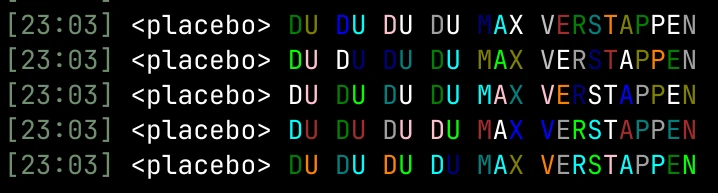
Here is the script:
#!/usr/bin/python3
from sys import argv, exit
import konversation.dbus
from random import randint

if konversation.dbus.target is None:
    konversation.dbus.info("Target is required.")
    exit()

if len(argv) < 4:
    konversation.dbus.info("Message text is required.")
    exit()

# some colors don't look good with both light and dark modes
excluded_colors = [0, 1, 4, 6]


def random_color(current_color):
    new_color = randint(0, 17)
    if new_color != current_color and new_color not in excluded_colors:
        return new_color

    return random_color(current_color)


input = " ".join(argv[3:])
output = ""
current_color = 0

for char in input:
    current_color = random_color(current_color)
    output += f"\x03{current_color:02d}{char}"

konversation.dbus.say(output)
Put it to ~/.local/share/konversation/scripts in a file named prism - without the extension. Then, make this file executable with: chmod +x prism
Usage:
/exec prism text
Or create an alias for /prism:
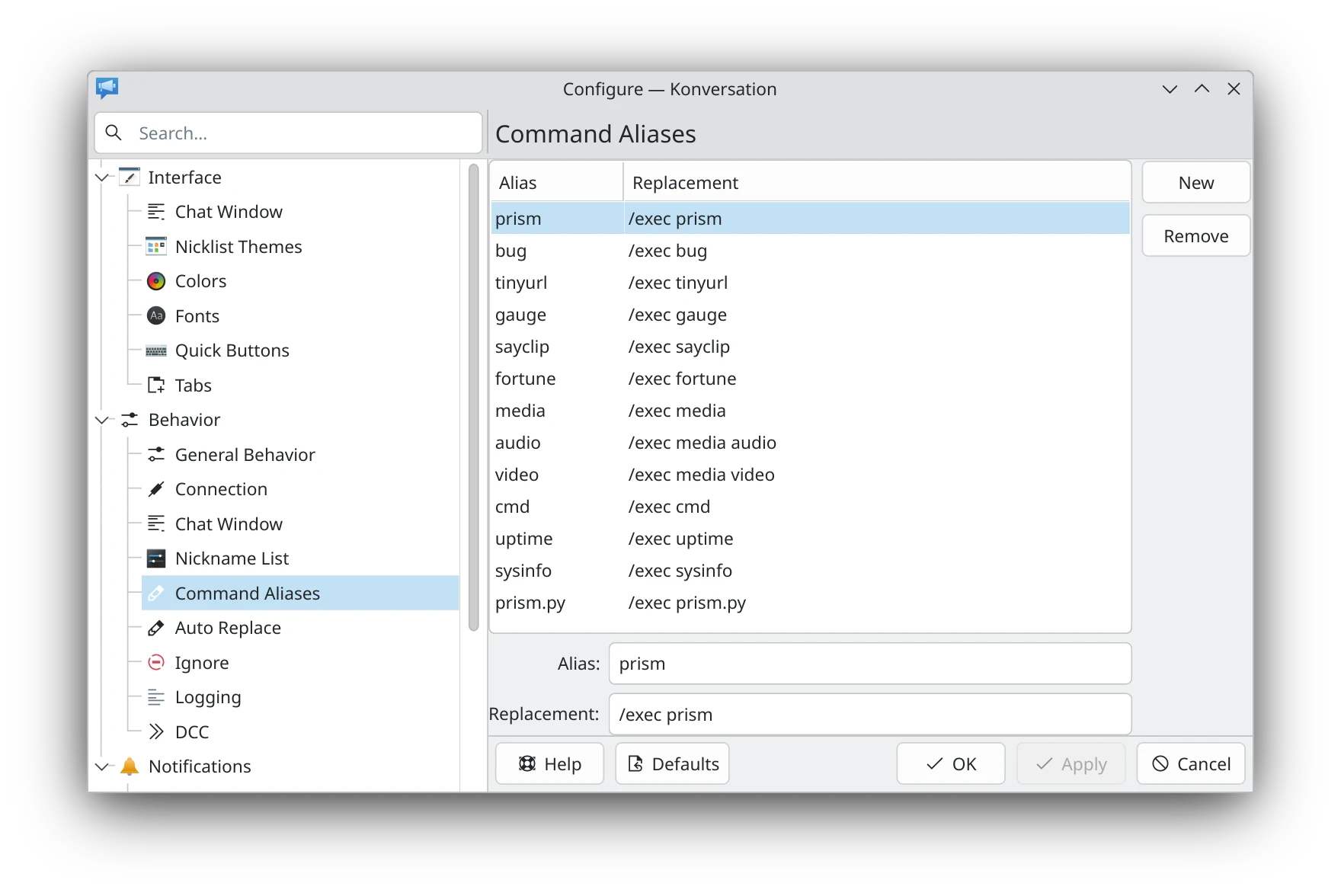
06.12.2025